
 EN
EN
 ar
ar bg
bg hr
hr cs
cs da
da nl
nl fi
fi fr
fr de
de el
el hi
hi it
it ko
ko no
no pl
pl pt
pt ro
ro ru
ru es
es sv
sv tl
tl iw
iw id
id lv
lv lt
lt sr
sr sk
sk sl
sl uk
uk vi
vi et
et hu
hu th
th tr
tr fa
fa ms
ms hy
hy ka
ka ur
ur bn
bn mn
mn ta
ta kk
kk uz
uz ku
ku
Rackmount Automation Chassis
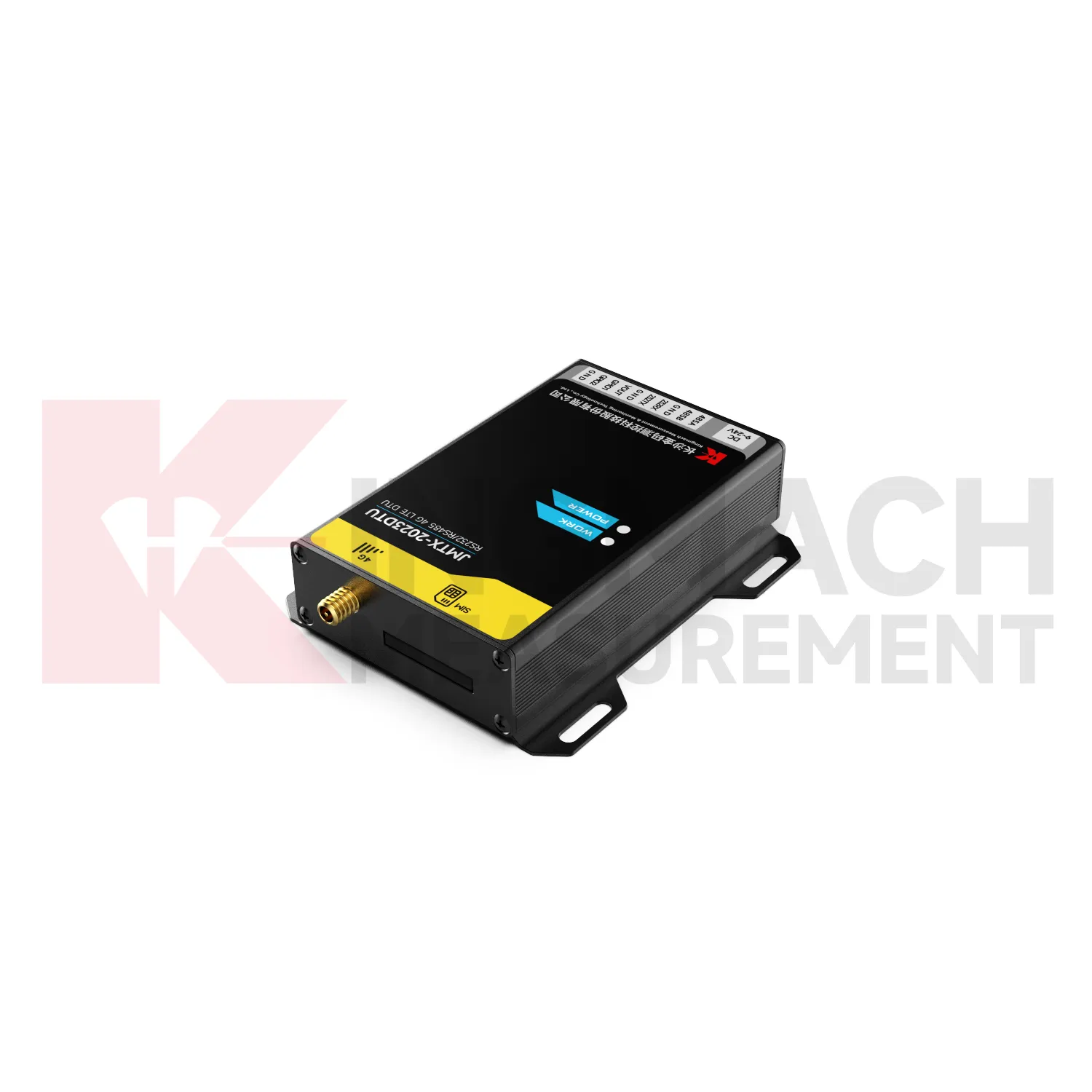
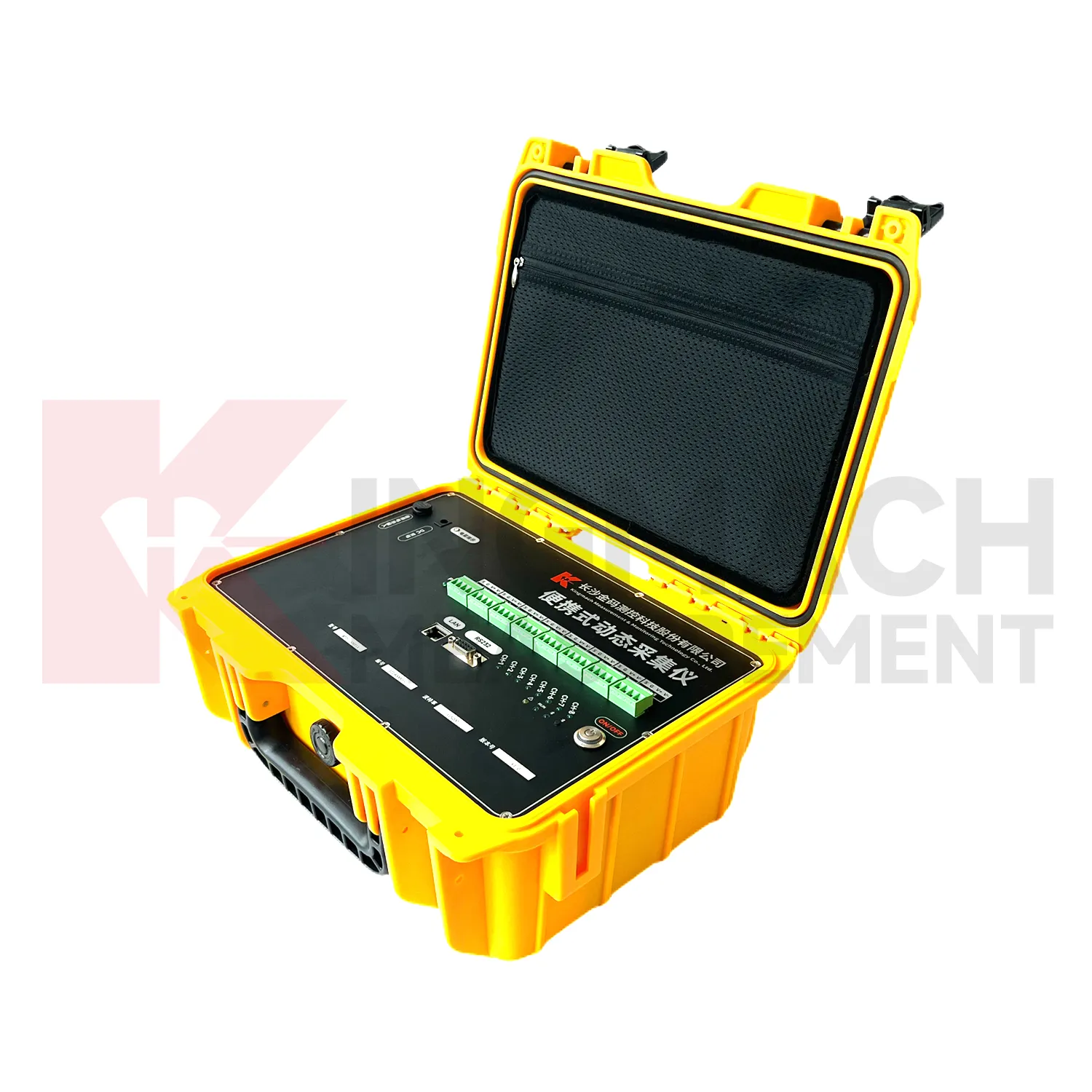
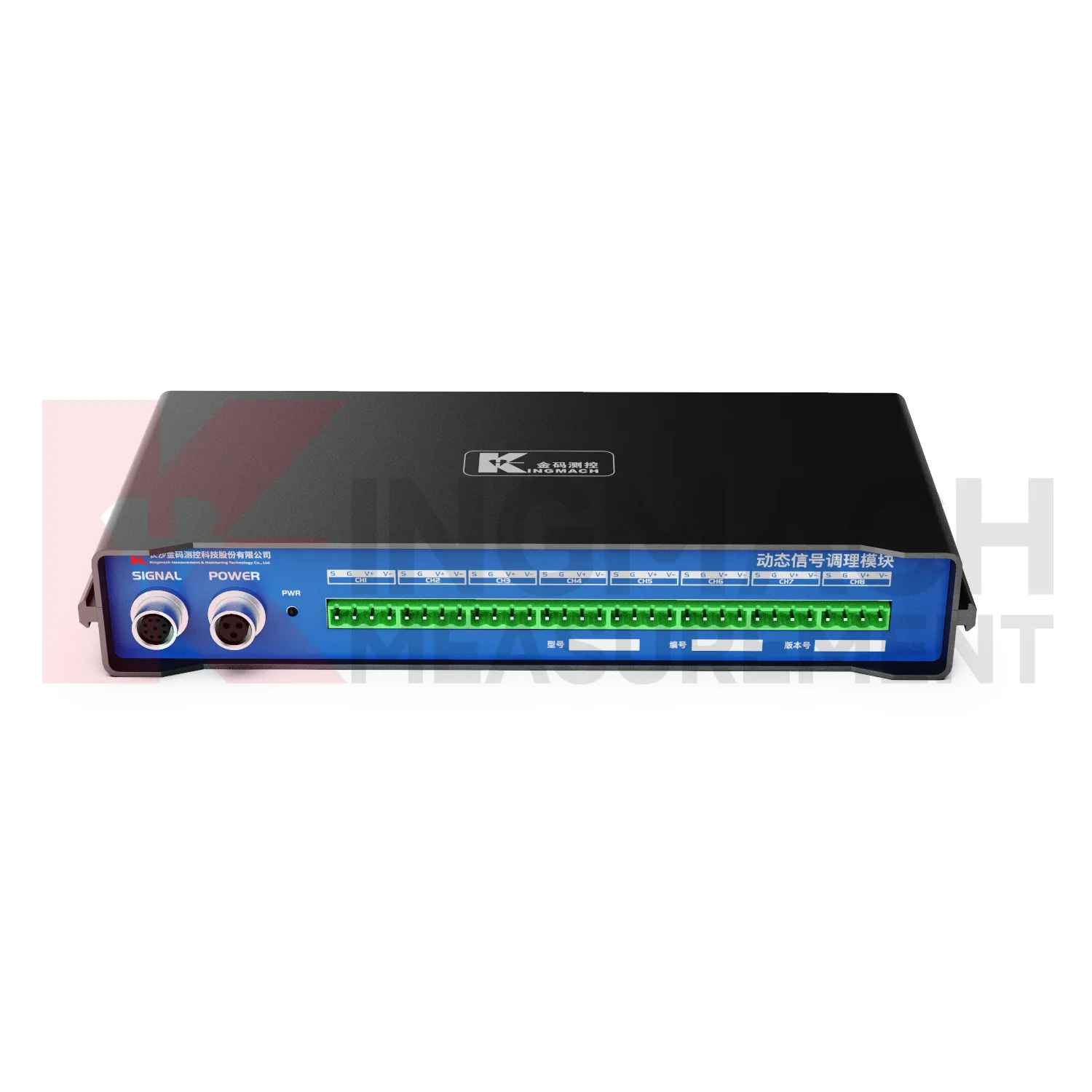
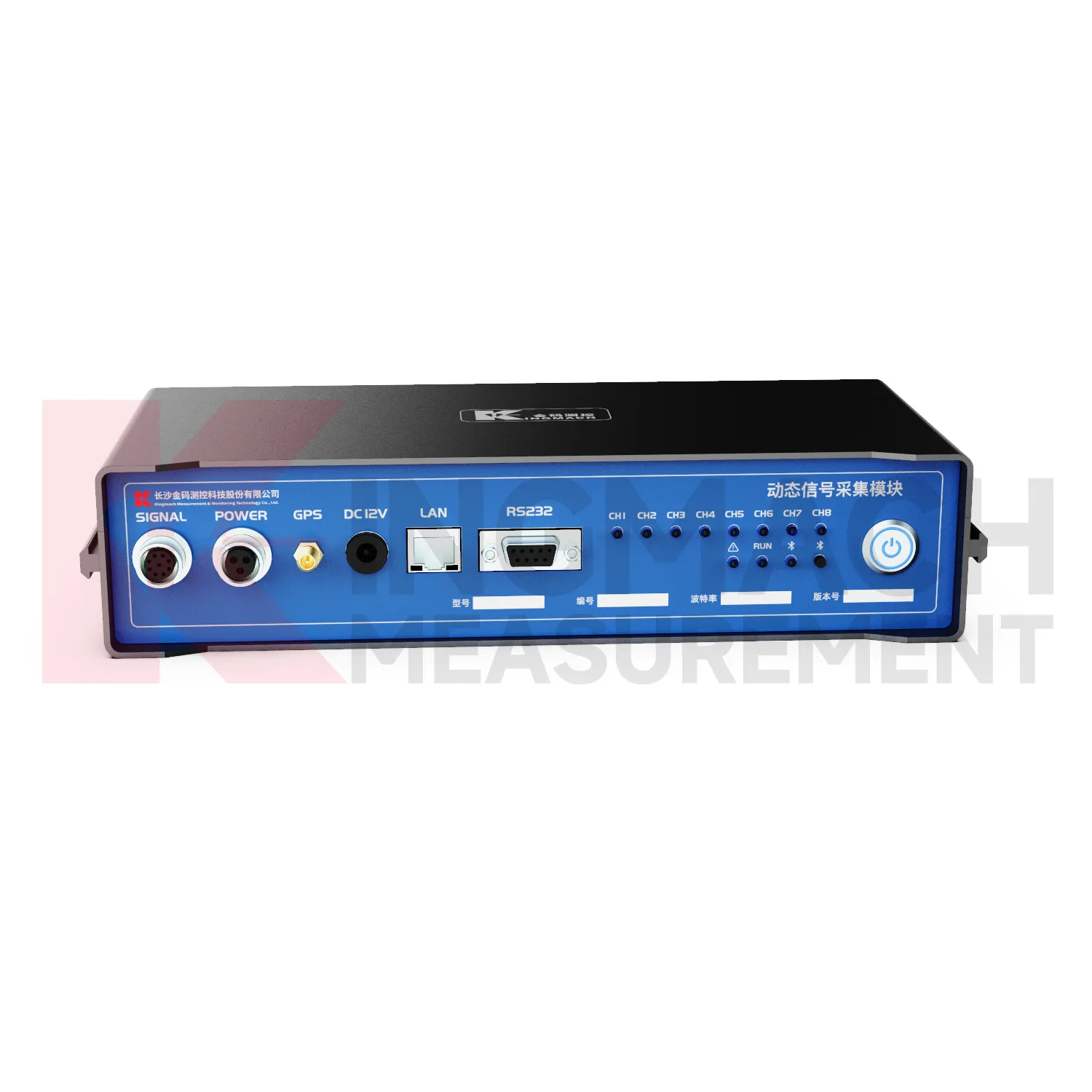
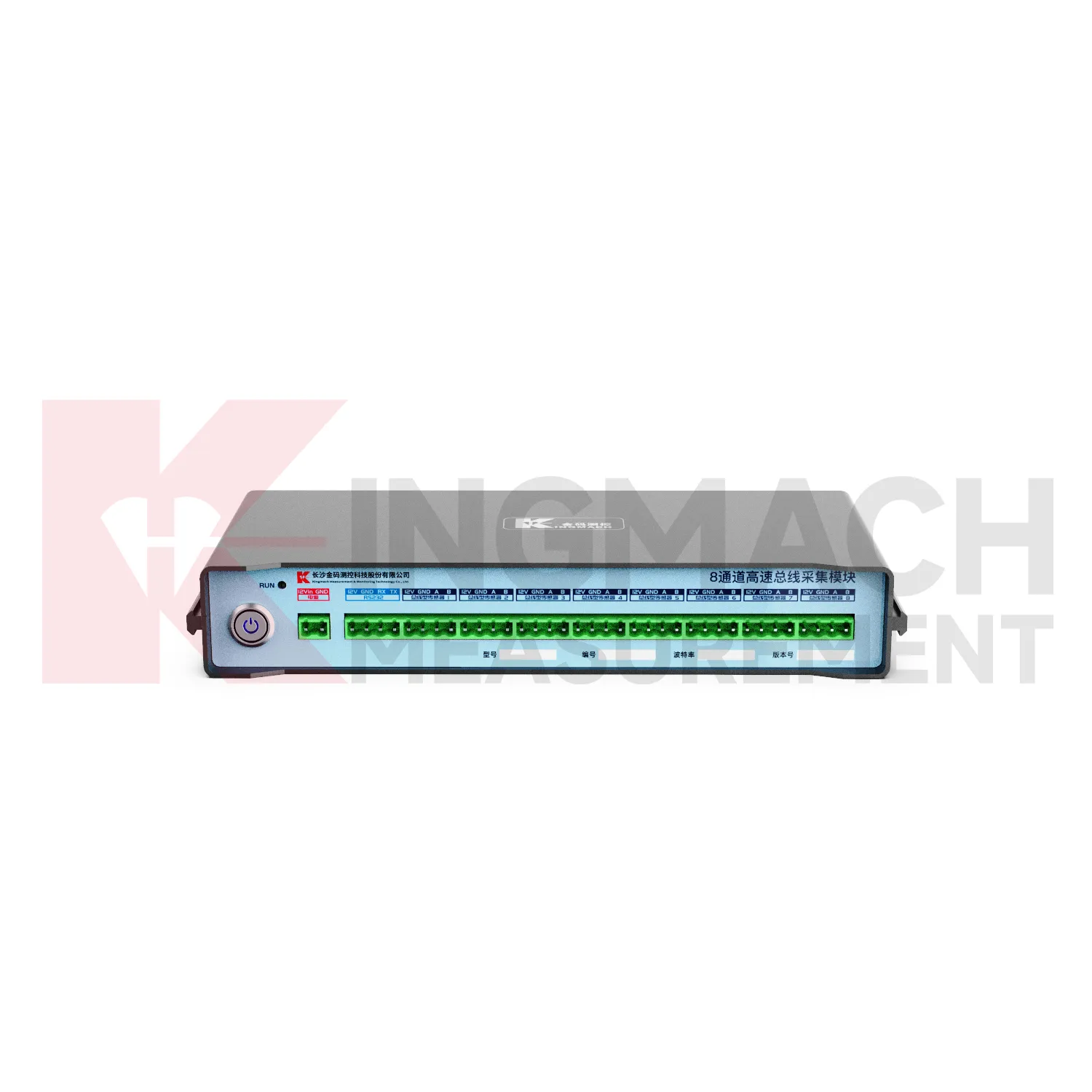
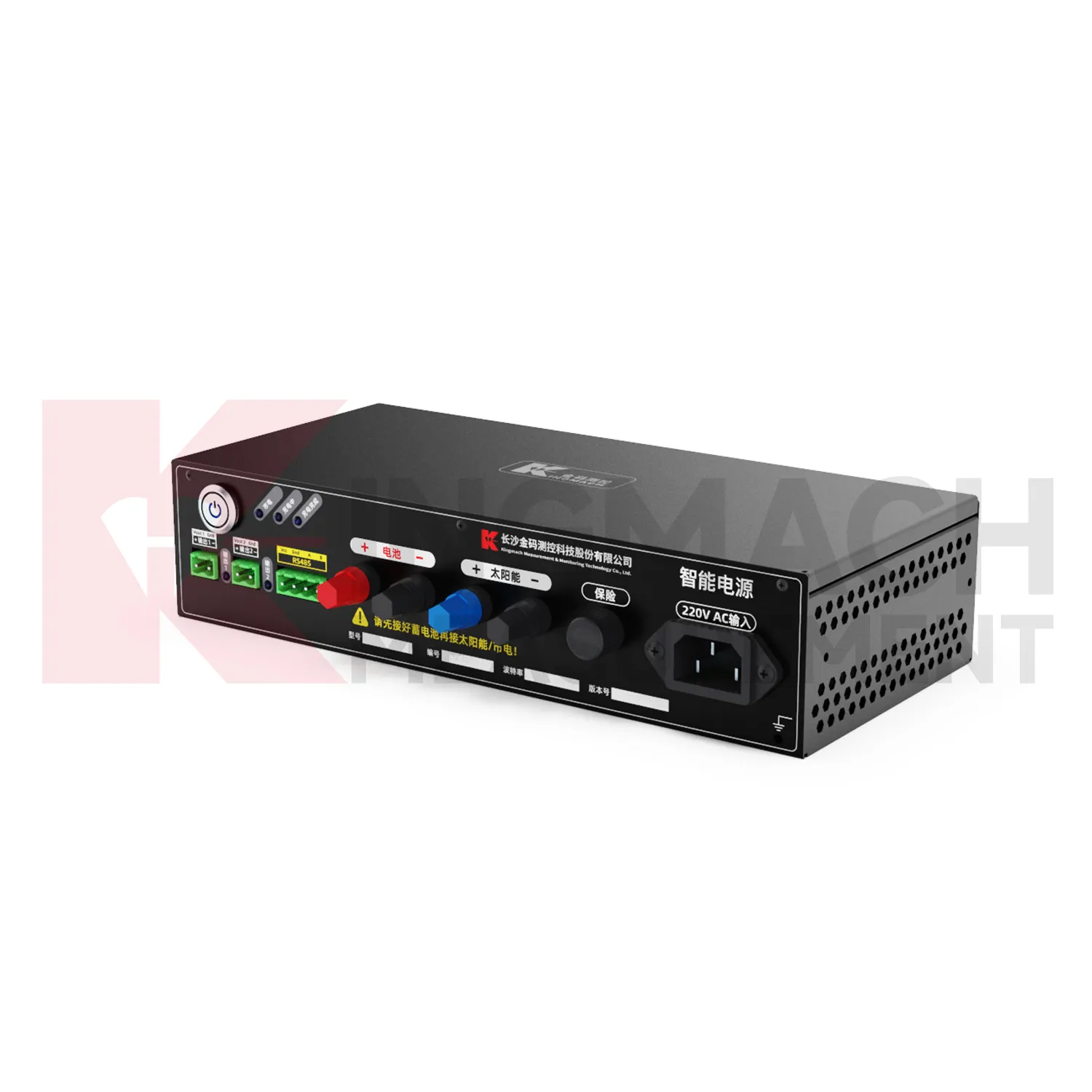
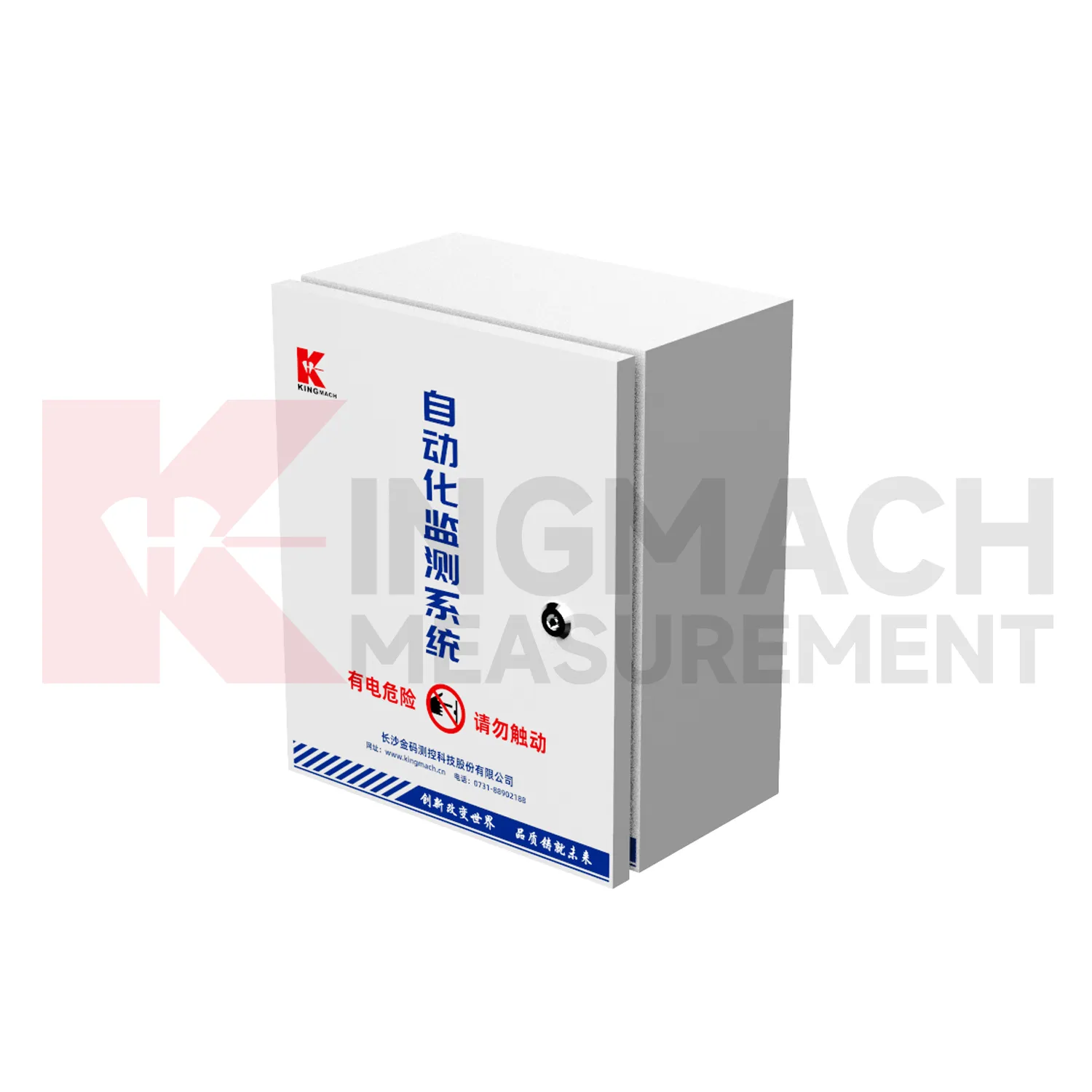
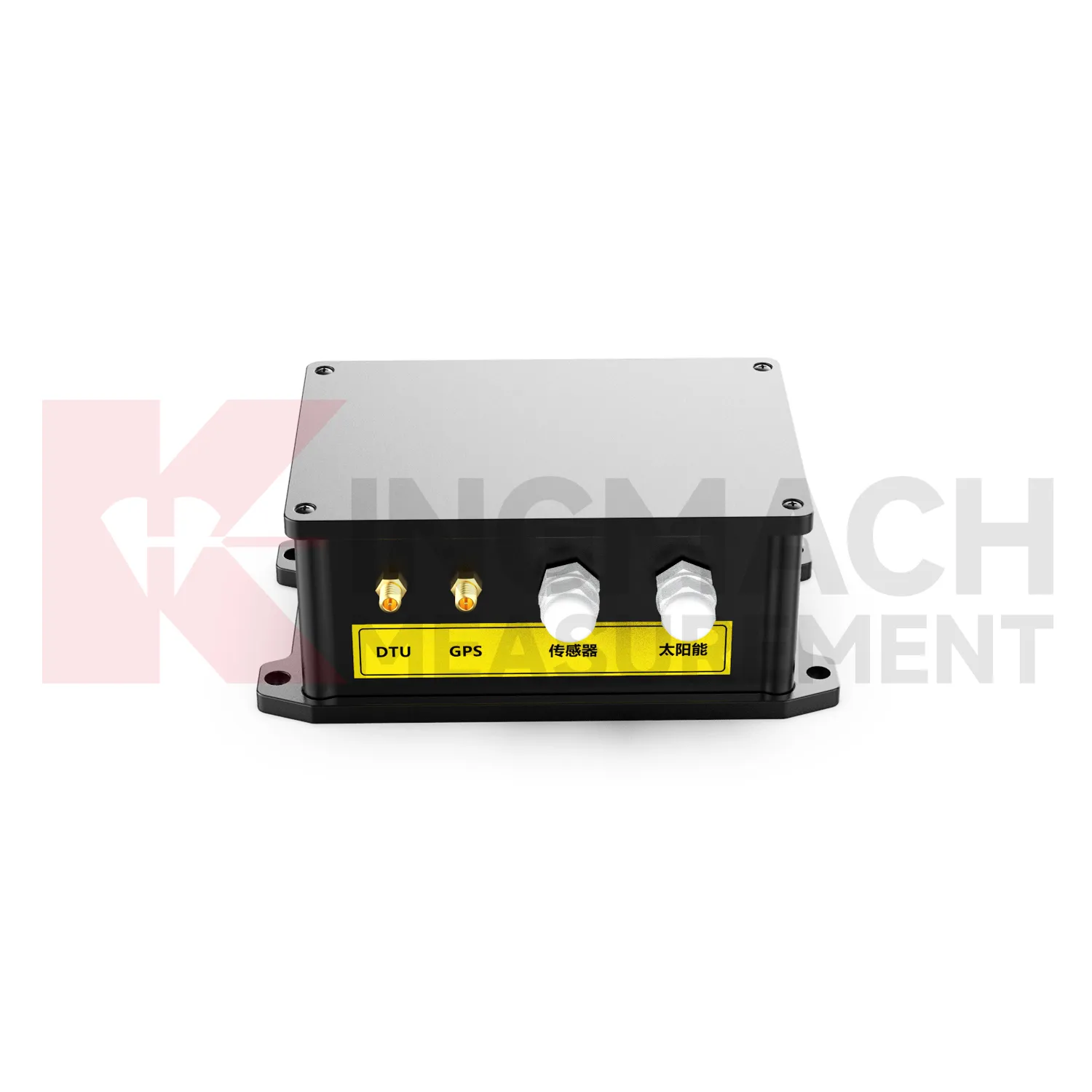
Kingmach Rackmount Automation Chassis are designed for the practical data chain that starts at the sensor and ends with engineering review. The category covers handheld verification, automatic logging, field display, wireless transmission, local storage, and data export. A comprehensive readout is useful for commissioning because it can confirm sensor identity, physical values, and temperature-related information on site. A dynamic strain data logger is useful when vibrating wire sensor signals need synchronized acquisition for construction or structural monitoring. A low-power wireless logger is useful when a remote point must collect data over long periods with limited access. These devices are most effective when channel labels, point locations, communication settings, and maintenance records are planned before installation. The project file should define how each reading moves from the field device to the reviewed record. That includes who names channels, who checks first values, where exported files are stored, and how abnormal readings are confirmed. When these steps are clear, the acquisition device becomes part of a controlled monitoring process rather than a separate instrument. This helps engineering teams trace values back to the correct sensor, location, time period, and field condition during later review. It also supports cleaner handover when the project changes from construction monitoring to owner operation.
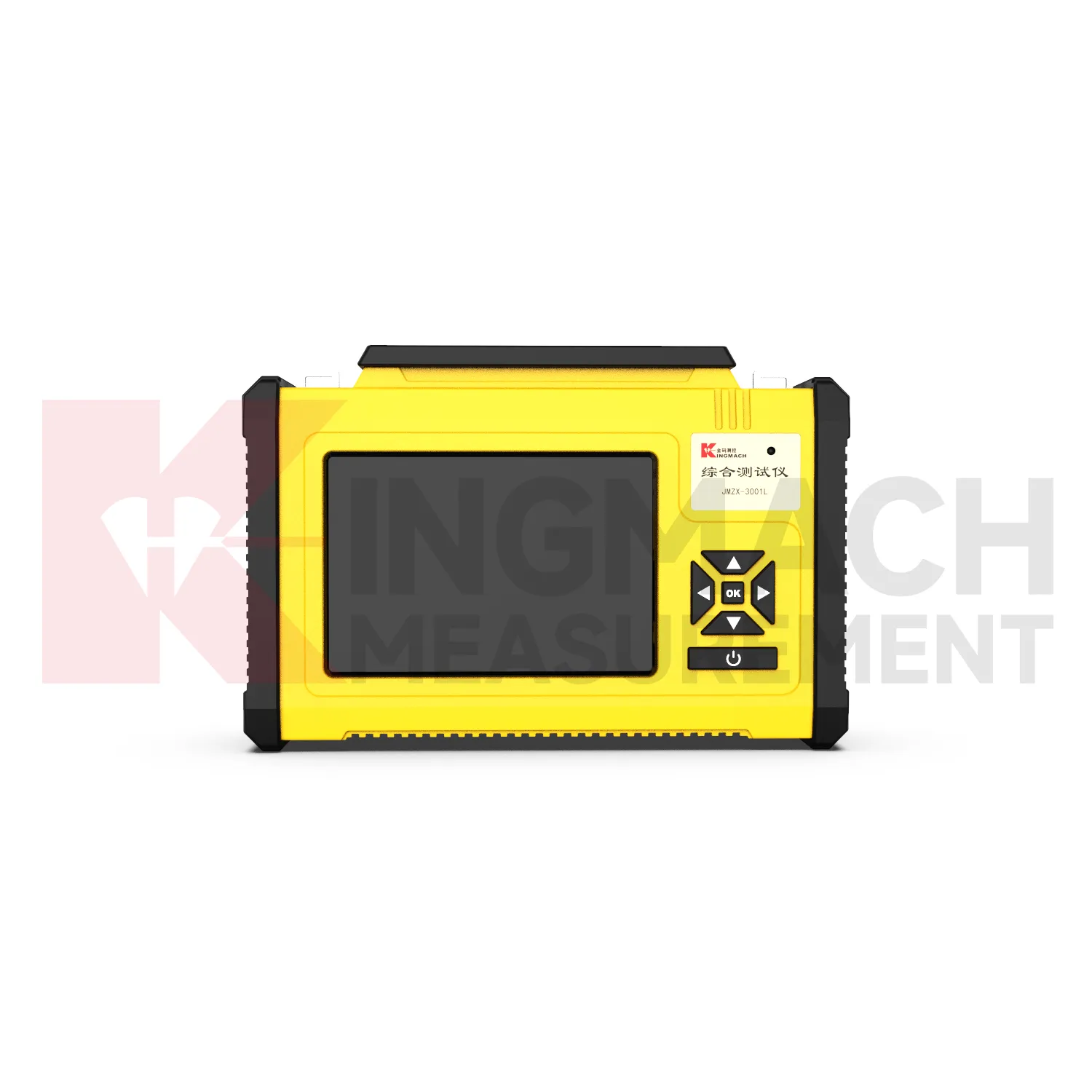
Application of Rackmount Automation Chassis
Slope and foundation pit monitoring uses Kingmach Rackmount Automation Chassis to keep displacement, load, pore pressure, rainfall, tilt, and structural response records organized. Field crews may use readouts to check sensors during excavation stages, anchor tensioning, drainage work, or inspection visits. Wireless loggers are useful when the site needs continuous records through rain, night shifts, or limited access periods. The acquisition interval should match the risk level and the construction stage. If excavation changes quickly, more frequent records may be needed; if the site is stable, routine intervals may be enough. A well-labeled data logger helps engineers compare changes with rainfall, excavation depth, support installation, and site photographs. In foundation pits, the monitoring record should follow construction sequence closely. Excavation depth, support installation, dewatering activity, anchor work, and heavy rainfall can all change the reading pattern. Acquisition equipment should help the team keep these events attached to the correct sensor group. This makes it easier to see whether a change belongs to construction progress, weather, support behavior, or a device issue. It also helps supervisors compare readings before and after excavation steps, temporary loading, rainfall response, and support adjustments without losing the site timeline. across the construction record. for later review. clearly.
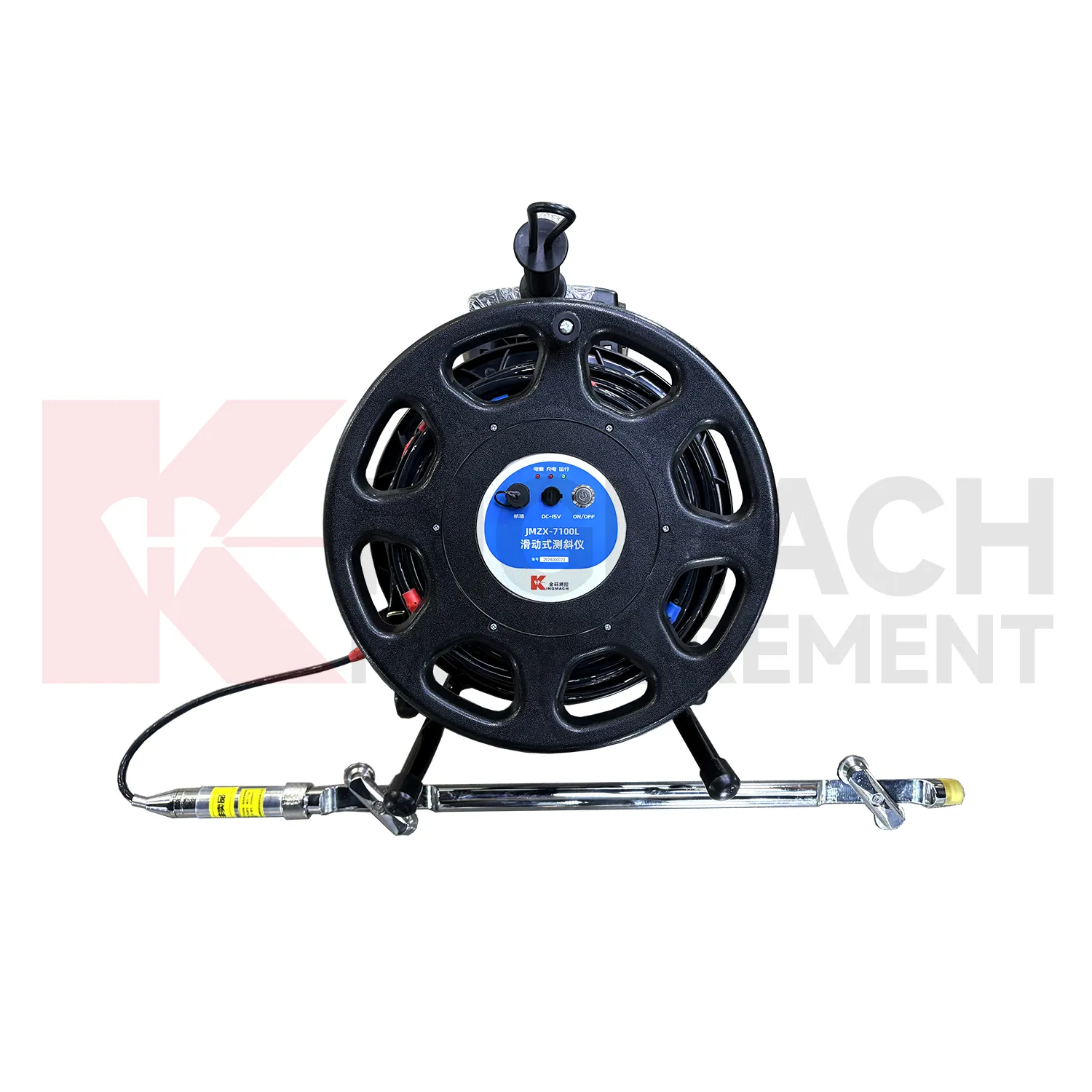
The future of Rackmount Automation Chassis
Future Kingmach Rackmount Automation Chassis will make reporting easier for mixed audiences. Field technicians, engineers, construction managers, asset owners, and maintenance teams do not use data in the same way. A technician needs point status and sensor response. An engineer needs trends and event context. An owner needs a reliable summary of asset behavior. Future acquisition systems should help organize the same record into views that fit these roles while keeping the underlying data traceable. This makes monitoring more useful across the full project life. Role-based reporting can keep technical detail available without forcing every user to read the same view. Maintenance staff may need battery and connection status, while engineers may need comparison charts and export files. Owners may need trend summaries and exceptions. A clearer reporting structure will make acquisition data easier to act on. It also reduces the need to rewrite data manually for each meeting or report. later.
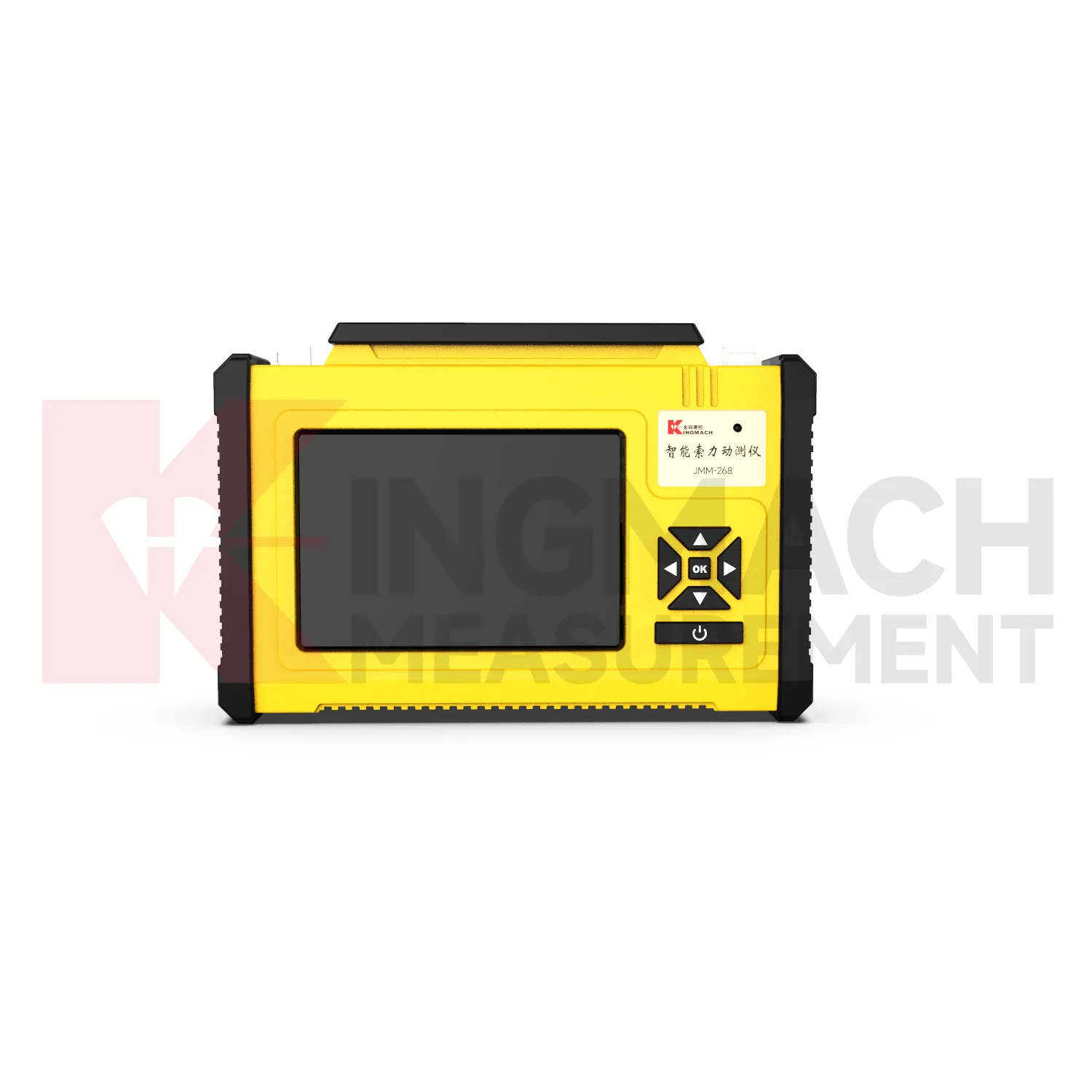
Care & Maintenance of Rackmount Automation Chassis
Connector and cable maintenance protects Kingmach Rackmount Automation Chassis from field faults. Acquisition equipment may be used in wet galleries, slopes, tunnels, bridge decks, or construction areas where cables can be pulled, crushed, corroded, or mislabeled. Inspect connectors, glands, terminals, grounding, cable strain relief, and enclosure seals. A small connection problem can look like a sensor fault or a sudden structural change. After cleaning, rewiring, or replacing a cable, save a note with the channel name and first normal reading. This keeps troubleshooting history visible. Cable routes should also be checked after excavation, concrete work, traffic control, or equipment movement. If a connector is wet or a cable label is missing, the affected channel should be marked before the data is used in a report. Clear cable notes help the next technician find the same point quickly and reduce repeated diagnosis on future visits. This is especially useful when several sensor types share one acquisition box or cabinet.
Kingmach Rackmount Automation Chassis
Kingmach Rackmount Automation Chassis make sensor readings easier to verify before the data becomes part of a formal project record. A technician can use a readout to check whether a sensor responds, whether the channel name matches the physical point, and whether the value looks reasonable beside site conditions. A data logger can then continue the acquisition after the crew leaves. This handoff from manual checking to automatic collection is important for settlement sensors, strain gauges, load cells, tilt sensors, displacement points, and environmental instruments. The monitoring team gains a clearer record when every reading is tied to location, time, sensor type, and inspection notes. For dynamic tests, timing accuracy, event naming, channel synchronization, and signal conditioning help the team compare motion or strain events with construction activity, traffic, wind, or machinery operation. During handover, photos, channel maps, sensor lists, communication settings, and normal baseline examples help the next team continue review without rebuilding the monitoring history from scattered files.
FAQ
Q: What are Readouts & Data Loggers used for?
A: They collect, display, store, and transfer sensor readings so engineering teams can review monitoring data from structural, geotechnical, and industrial projects.
Q: How are readouts different from data loggers?
A: Readouts are often used for field checking and portable measurement, while data loggers support automatic acquisition, scheduled records, and longer monitoring periods.
Q: Which sensors can be connected?
A: The category can support vibrating wire sensors, digital RS485 sensors, temperature points, dynamic signals, strain instruments, displacement sensors, tilt sensors, and other monitoring devices depending on the model.
Q: Why is channel naming important?
A: Clear channel names connect each reading with the correct sensor, location, structure, and review purpose, which prevents confusion during reporting and handover.
Q: What should be checked before purchase?
A: Buyers should define sensor type, channel count, acquisition interval, power supply, communication method, storage needs, site access, and reporting workflow.
Reviews
Christopher Martinez
Very satisfied with the readouts & data loggers. User-friendly interface and supports multiple sensor inputs.
Andrew Lee
The visualization software is intuitive and powerful. It helps us analyze monitoring data efficiently.
Latest Inquiries
To protect the privacy of our buyers, only public service email domains like Gmail, Yahoo, and MSN will be displayed. Additionally, only a limited portion of the inquiry content will be shown.
Sophia***@gmail.comUnited Kingdom
Good day, we need environmental monitoring sensors including temperature, humidity, and wind sensors...
Olivia***@gmail.comUnited States
Hello, we are currently sourcing high-precision strain gauges and load cells for a bridge monitoring...
Related product categories
- temperature humidity data logger wireless
- wireless data logger temperature and humidity
- wireless data logger temperature
- data logger wireless
- humidity data logger wireless
- wireless analog data logger
- wireless temperature sensor data logger
- wireless thermocouple data logger
- pressure data logger wireless
- wireless data logger temperature humidity
- wireless data-logger
- wireless pressure data logger